
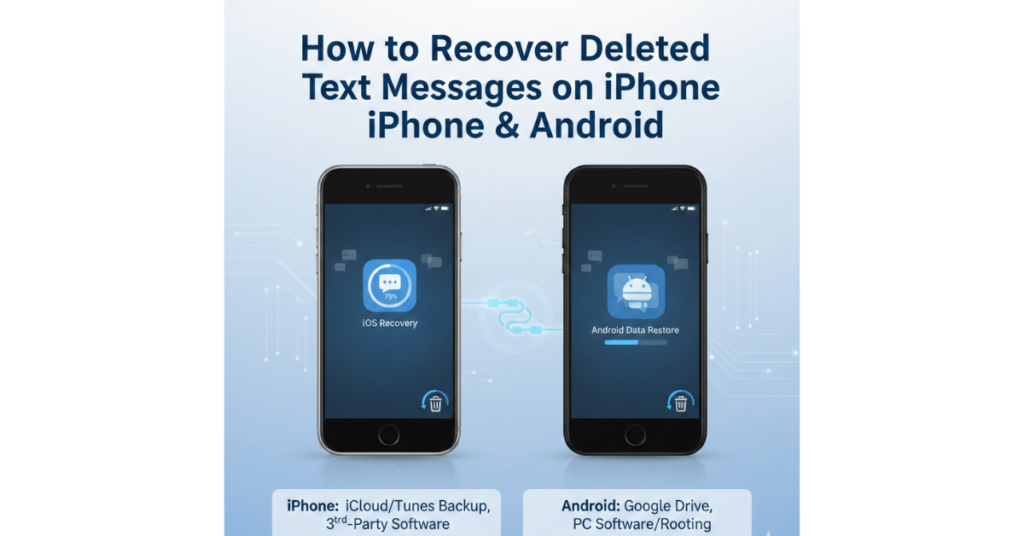

Accidentally deleting a text message can feel like losing a small piece of your life—especially when that message contains important information, memories, or proof you actually need. The good news? In many cases, those messages aren’t gone forever.
In this guide, you’ll learn how to recover deleted text messages on iPhone, Android, Samsung, Google Messages, and even Instagram. We’ll walk through practical, step-by-step methods that actually work, using clear language and real-world advice—no tech jargon overload.
Can Deleted Text Messages Really Be Recovered?
Yes, deleted text messages can often be recovered—but timing and backups matter.
When you delete a message, your phone usually doesn’t erase it immediately. Instead, it marks the space as “available,” meaning recovery is possible until that data is overwritten.
Recovery depends on:
-
Whether you have a backup
-
The type of phone you use
-
How much time has passed
-
Whether new data has overwritten the old messages
How to Recover Deleted Text Messages on iPhone
Apple has made message recovery easier in recent iOS versions, especially if you act quickly.
Method 1: Recover Messages from Recently Deleted (iOS 16+)
If you’re using iOS 16 or later, try this first:
-
Open the Messages app
-
Tap Edit → Recently Deleted
-
Select the messages you want
-
Tap Recover
Messages stay here for up to 30 days.
Method 2: Recover Deleted Text Messages from iCloud Backup
If the message isn’t in “Recently Deleted,” iCloud may still have it.
Steps:
-
Go to Settings → General → Transfer or Reset iPhone
-
Tap Erase All Content and Settings
-
Set up your phone again
-
Choose Restore from iCloud Backup
This replaces current data with the backup version.
Method 3: Restore Messages Using Finder or iTunes
If you backed up your iPhone to a computer:
-
Connect your iPhone to Mac (Finder) or PC (iTunes)
-
Select Restore Backup
-
Choose a backup from before deletion
How to Recover Deleted Text Messages on Android
Android recovery varies by device and app, but you still have solid options.
How to Recover Deleted Text Messages on Google Messages
Google Messages has a built-in backup system tied to your Google account.
Check Google Backup
-
Go to Settings → Google → Backup
-
Confirm SMS backup is enabled
-
Factory reset your phone
-
Restore during setup
Works only if backup existed before deletion.
How to Recover Deleted Text Messages on Samsung Phones
Samsung users get an extra advantage thanks to Samsung Cloud.
Recover via Samsung Cloud
-
Go to Settings → Accounts and Backup
-
Tap Samsung Cloud
-
Select Restore Data
-
Choose Messages
This is one of the easiest ways to recover deleted text messages on Samsung devices.
How to Recover Deleted Text Messages from Android Using Recovery Apps
If no backup exists, third-party tools may help.
Popular options:
-
Dr.Fone
-
PhoneRescue
-
Tenorshare UltData
What to expect:
-
Requires a computer
-
Some features are paid
-
Results vary by device and Android version
How to Recover Deleted Text Message on Instagram
Instagram messages are different from SMS, but recovery is still possible.
Method 1: Download Your Instagram Data
-
Go to Settings → Security
-
Tap Download Your Information
-
Request your data
-
Check the messages folder once downloaded
Method 2: Ask the Other Person
Instagram doesn’t permanently store deleted chats for users—sometimes the simplest solution works best.
What If There’s No Backup?
If there’s no backup:
-
Stop using the phone immediately
-
Avoid installing new apps
-
Try recovery software ASAP
The less you use the device, the higher the recovery chance.
Tips to Prevent Losing Text Messages Again
-
Enable automatic cloud backups
-
Take periodic manual backups
-
Screenshot important conversations
-
Use message-archiving apps
FAQs
Can I recover deleted text messages without a backup?
Yes, but success isn’t guaranteed. Recovery apps may help if the data hasn’t been overwritten.
How long do deleted text messages stay recoverable?
It varies. On iPhone (iOS 16+), messages stay in “Recently Deleted” for 30 days. Android depends on backups and usage.
Are deleted messages permanently deleted?
Not immediately. They’re often recoverable until overwritten by new data.
Can I recover deleted text messages from years ago?
Highly unlikely unless you have an old backup from that time.
Is message recovery safe?
Yes, if you use reputable tools and official backup methods.
Conclusion: Your Messages May Not Be Gone Forever
Losing messages can be stressful, but now you know how to recover deleted text messages on iPhone, Android, Samsung, Google Messages, and even Instagram. Whether it’s through built-in recovery options, cloud backups, or trusted tools, there’s often a way to get them back—especially if you act quickly.